Be yourself; Everyone else is already taken.
— Oscar Wilde.
This is the first post on my new blog. I’m just getting this new blog going, so stay tuned for more. Subscribe below to get notified when I post new updates.
Be yourself; Everyone else is already taken.
— Oscar Wilde.
This is the first post on my new blog. I’m just getting this new blog going, so stay tuned for more. Subscribe below to get notified when I post new updates.
1. Search information about licenses:
1.1 What does GPL license mean?
GNU General Public License on GNU-hankkeen yleisin lisenssi, jota käytetään avoimen lähdekoodin ohjelmistoissa.
(Lähde: https://www.linux.fi/wiki/GNU_GPL)
1.2 What are the differences between GPL and LGPL?
LGPL lyhenne tulee sanoista Lesse General Public License. Tämä on myös GNU-lisenssi, mutta verrattaessa GPL lisenssiin LGPL on liitettävissä yhteen ei-GPL-lisensoidun osan kanssa. LGPL lisensiä voitaisiin myös kutsua GNU lisensiksi, jnka tarkoituksena on tehdä kompromissi GPL:n ja yksinkertaisempien lisenssien välillä.
(Lähde: https://viikonvalo.fi/GNU_LGPL/)
1.3 The license logo:

– What does the license mean?
Kyseessä on Creative Commons lisenssi.
– Which are the license rules?
Voit vapaasti jakaa/kopioida aineistoa ja levittää sitä edelleen missä tahansa välineessä ja muodossa. Ehtoina ovat lähden asianmukainen maininta, lisenssiin johtaja linkki.
Mikäli muokkaat aineistoa tai luot sen pohjalta uusia aineistoja, muutokset on jaettava samalla lisenssillä kuin alkuperäinen aineisto.
– Where did you see it?
Wikipedia Commons, Soundcloud – musiikkipalvelusta löytyy myös Creative Commons materiaalia. Erilaiset kuvasivustot mistä voi hakea rojaltivapata, tässä tapauksessa Creative Commons lisensoitua materiaalia. Materiaalia voi uudelleen käyttää Creative Commons lisenssin asettamien sääntöjen mukaan.
2. Install Virtual Box and Fedora or Xubuntu Desktop
Valitsin 64-bit Fedora Workstationin.
2.1 What differences are there compared to Ubuntu? Desktop wise. A few examples.
Fedora Workstation muistuttaa hyvin etäisesti Ubuntua, mutta on käyttöliittymä on ensivaikutelmaltaan enemmän kosketusnäytölle soveltuvampi. Esimekiksi älypuhelimelle tai tabletille. Graafinen käyttöliittymä muistuttaa oikeastaan erittäin paljon älypuhelimissa sovellettavaa työpöytä näkymä. Molemmat käyttävät GNOME liittymää. Fedora käyttää vakioliittymää Ubuntun hyödyntäessä mukautettua liittymää.
Fedora käyttämä ohjelmisto käyttää Flatpak, RPM tiedostoja sekä yumia. Ubuntu käyttää debian pohjaisia ohjelmistoja.
Asennuksessa Fedora hyödynsi Anaconda installeria. Asennus oli yksinkertaista, mutta Ubuntun asennus tuntui helpommalta.
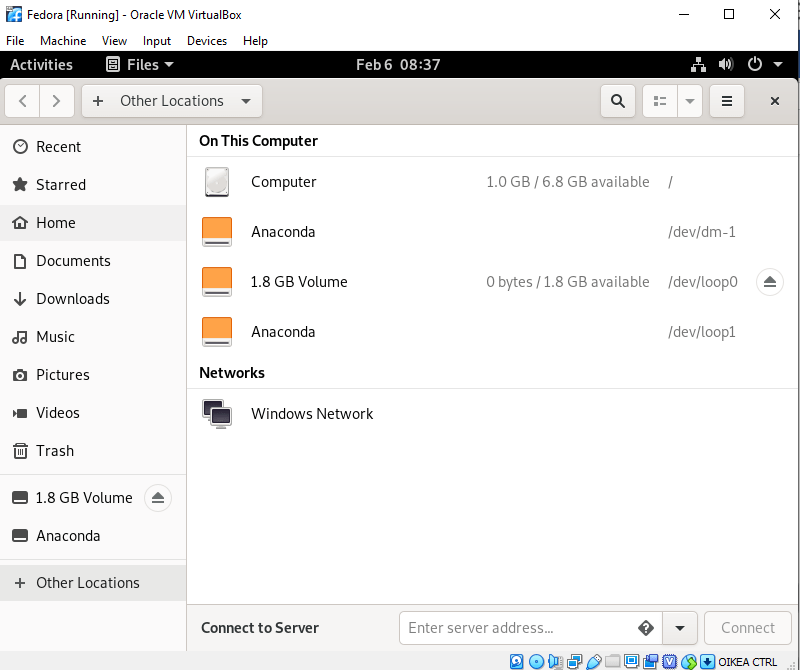
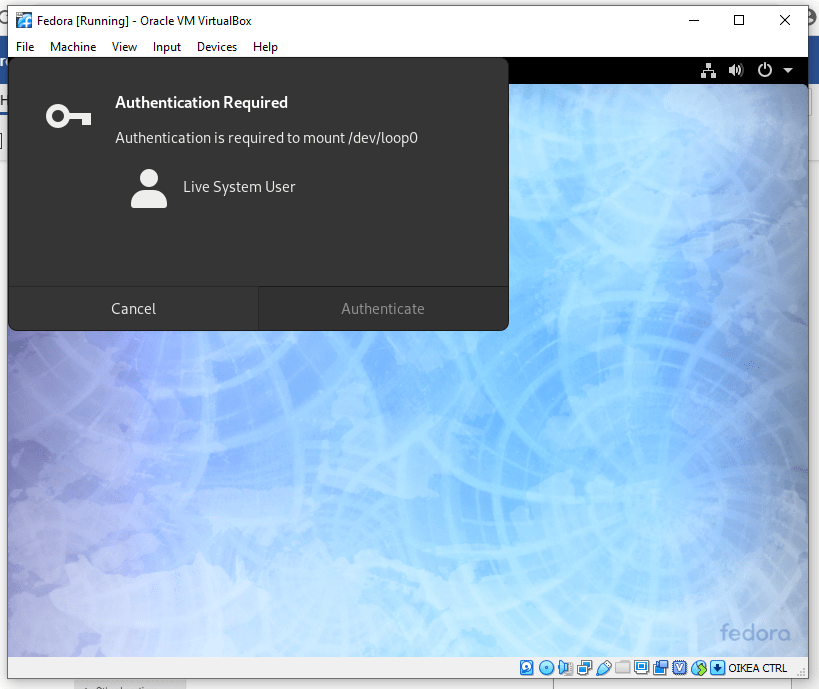
2.2 Take a screenshot of the screen/desktop and insert it to your submission – You can remove the desktop in the end
3. Which Linux distros were most used in Jan 2019 (and today)?
(Lähde: https://www.digitaltrends.com/computing/best-linux-distros/)
4. VirtualBox:
Did you install “Quest additions” to VirtualBox (as instructed)?
En asentanut “Guest Additions” lisäominaisuuksia VirtualBoxissa.
What are you able find about those from net? Why it is good to install Quest additions?
Nämä ominaisuudet on tarkoitettavaksi asentaa virtuaalilaitteen sisään sen jälkeen kun Guest addition operaattori on asennettu VirtualBoxissa. Sisältävät laiteajureita sekä järjestelmäsovelluksia jotka optimoivat vieraskäyttöjärjestelmän suorituskyvyn ja käytettävyyden parntamiseksi.
This is an example post, originally published as part of Blogging University. Enroll in one of our ten programs, and start your blog right.
You’re going to publish a post today. Don’t worry about how your blog looks. Don’t worry if you haven’t given it a name yet, or you’re feeling overwhelmed. Just click the “New Post” button, and tell us why you’re here.
Why do this?
The post can be short or long, a personal intro to your life or a bloggy mission statement, a manifesto for the future or a simple outline of your the types of things you hope to publish.
To help you get started, here are a few questions:
You’re not locked into any of this; one of the wonderful things about blogs is how they constantly evolve as we learn, grow, and interact with one another — but it’s good to know where and why you started, and articulating your goals may just give you a few other post ideas.
Can’t think how to get started? Just write the first thing that pops into your head. Anne Lamott, author of a book on writing we love, says that you need to give yourself permission to write a “crappy first draft”. Anne makes a great point — just start writing, and worry about editing it later.
When you’re ready to publish, give your post three to five tags that describe your blog’s focus — writing, photography, fiction, parenting, food, cars, movies, sports, whatever. These tags will help others who care about your topics find you in the Reader. Make sure one of the tags is “zerotohero,” so other new bloggers can find you, too.

 Linux Palvelimet 3007